Articles · applied AI from Saudi Arabia
AI Wrote the Code. I Cleaned Up the Mess.
AI removed the typing, not the checking, and the checking is where the mistakes now hide.
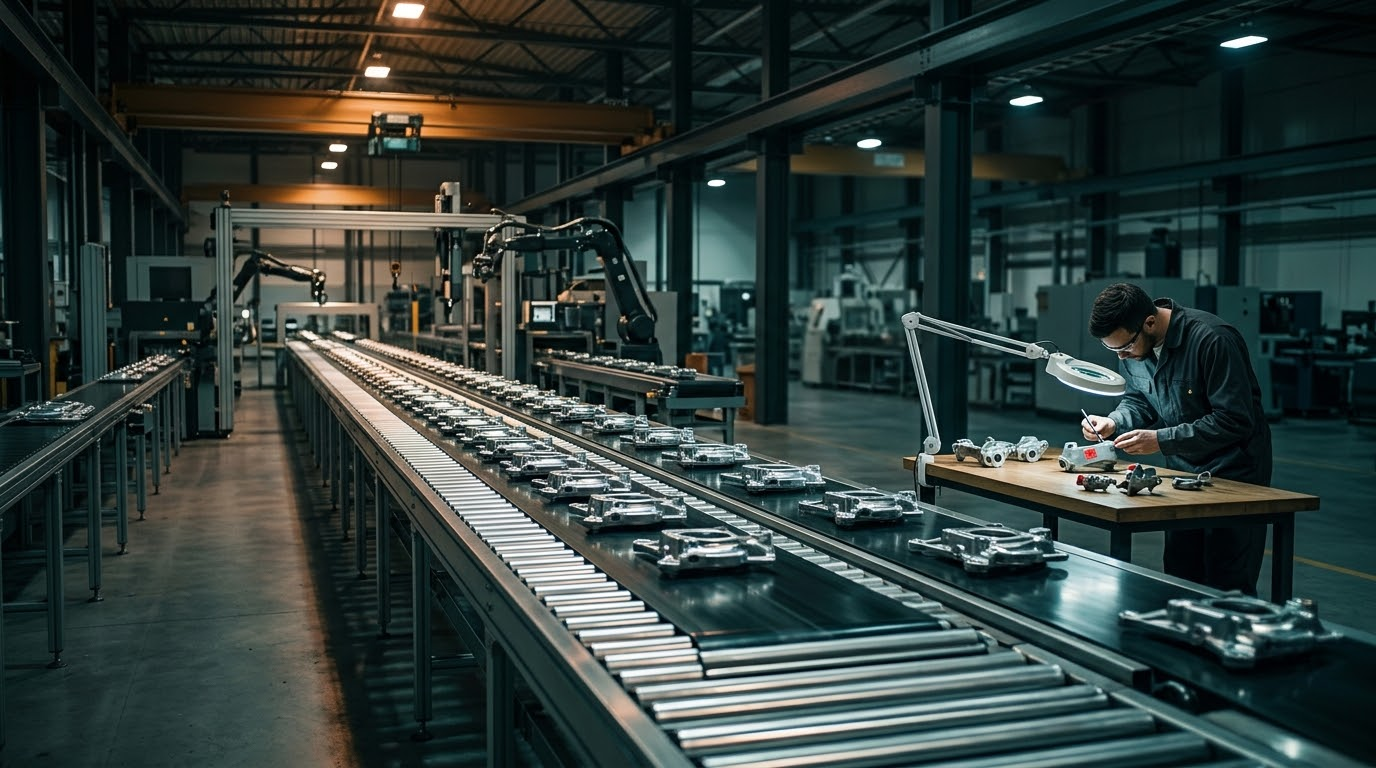
Watching AI write code feels like magic. A task that used to fill an afternoon lands on your screen in minutes. That part is real, and nobody is lying about it.
What the demo never shows is what comes after. The typing was always the easy half. Reading the result, verifying it and catching what it quietly got wrong takes as long as it ever did. Often longer, because the mistakes now arrive inside output that looks finished and sounds sure of itself.
AI did not remove the bottleneck. It moved it downstream.
The mistake that looked like success
I run four AI agents for my own business in Riyadh, every day. On 13 August I ingested a short recap while the link to my files was down. With no proper write path available, the session fell back to rewriting whole documents from scratch. Four files were rebuilt that way, roughly 258 KB of text, to add about four lines.
Nothing was lost. Every write reported success. It would have passed any casual check.
When I compared the rewritten files against the originals, I found the damage. Two lines in a file the session had no reason to touch had changed. The model had flattened a few curly quotation marks into plain ones, on lines it was never asked to edit. Eight bytes, invisible on screen, in text nobody would ever re-read.
Nobody asked it to change them. It changed them anyway, in passing, while carrying the text along. That is what a confident rewrite looks like from the outside: clean, complete and slightly wrong.
“Success” is not the same as “correct”
The same lesson showed up twice more in my own system.
On 4 August a sync tool silently reverted one of my core files to an older copy in the middle of a session. Every command reported success. The only symptom was a wrong byte count.
On 8 September a calendar tool reported success on an update and had quietly cut off the description, dropping a whole block of metadata I rely on. Only reading the event back caught it.
In all three cases the tool said it had worked. In all three it had not, at least not the way I meant it.
What I do about it
The fix was never a better model. It was moving the checking to where it can be counted.
After any write, I check for a distinctive marker inside the file, never its size or the tool’s exit code. My scripts now do this on every write. I read back every calendar event after saving it. A change that touches whole documents when it should touch a few lines is treated as the warning sign, not the finished job.
Each of these checks is dull. That is the point. The demo is free to watch. Doing the checking is the job.
The question to ask before you build
Do not ask how fast the AI can produce it. Ask who is verifying what it produced, and how.
That is the question AI.me is built around. Each client gets an AI second brain tailored to them, and a relationship manager who keeps it true. You drive. We handle the maintenance.